Release 1.3.0
New Features
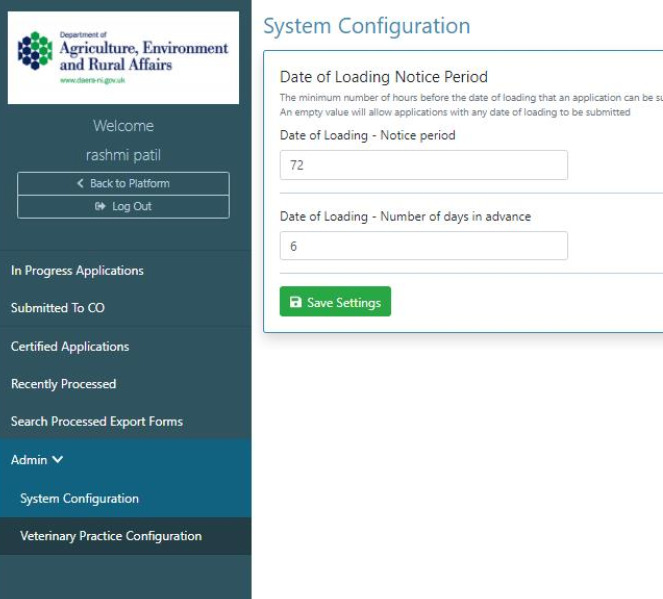
Date of Loading and Advance Period Configurable
Date of Loading limit and Minimum Advance Period are now configurable in admin 'System Configuration.' Amending these values will amend configuration for both SHA flows.
Admin - Cancellation Functionality
A cancel button has been added on all 'Details views' except applications that are in a state of 'Complete' or 'Cancelled.'
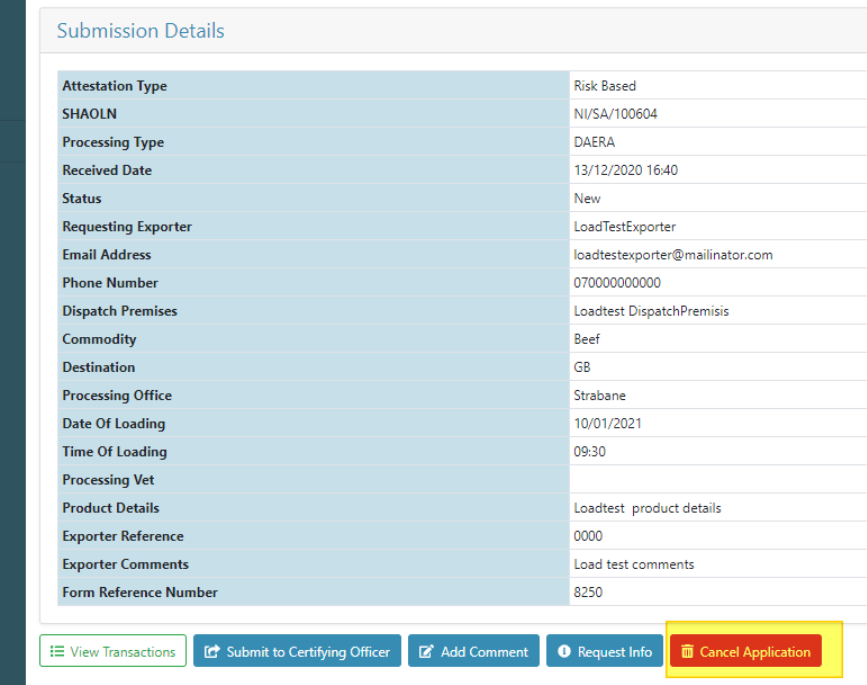
To cancel an application, click the 'Cancel' button which will launch a modal.
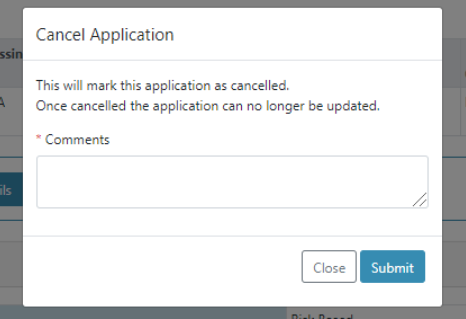
User is required to enter mandatory comments detailing why application has been cancelled and click 'Submit.' These comments will be displayed in the action history 'SHA Application Cancelled' entry.

Once an application has been cancelled its state will be updated to 'Cancelled.'
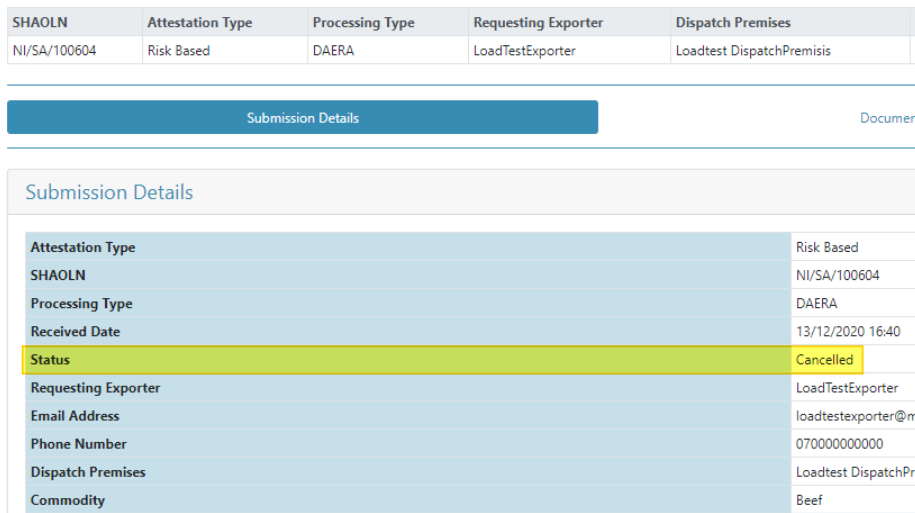
The application will also move directly into 'Processed Applications' view.
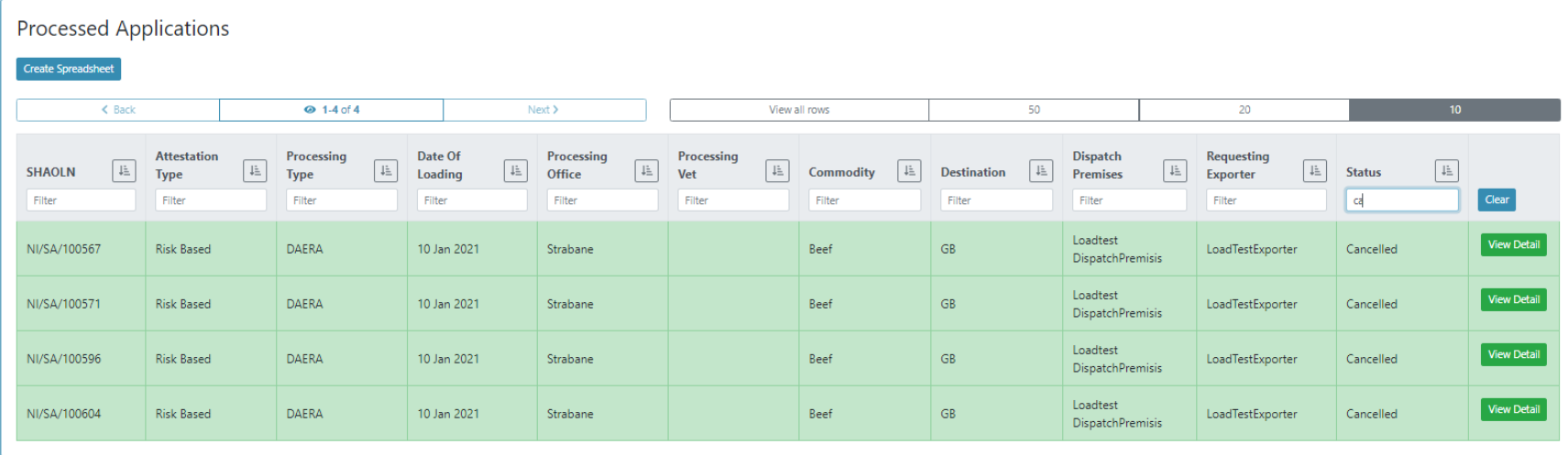
Admin - New 'Certified' State / View
A new 'Certify' button has been added to the details view of applications that are listed in the 'Submitted to CO' view.
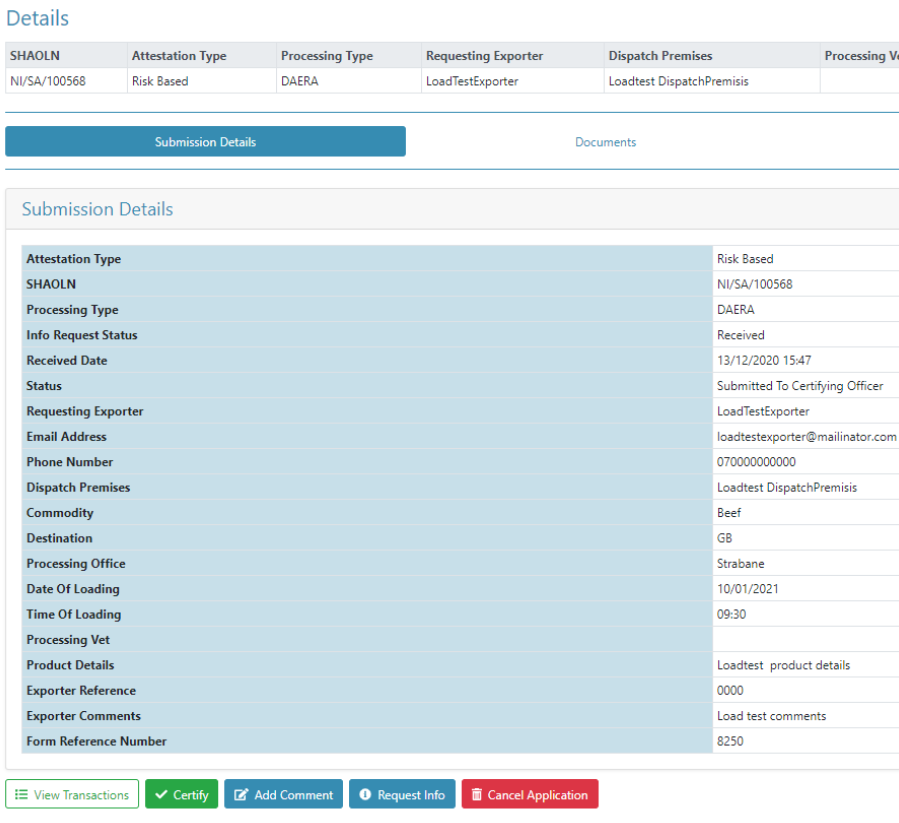
To certify an application, click the 'Certify' button which will launch a modal.
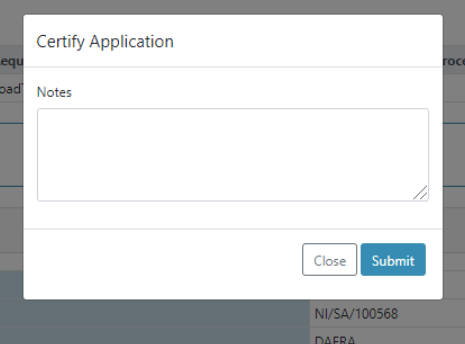
User can enter optional comments and click 'Submit.' Comments entered will be displayed in the action history 'SHA Certified' entry.

Once an application has been certified its state will be updated to 'Certified.'
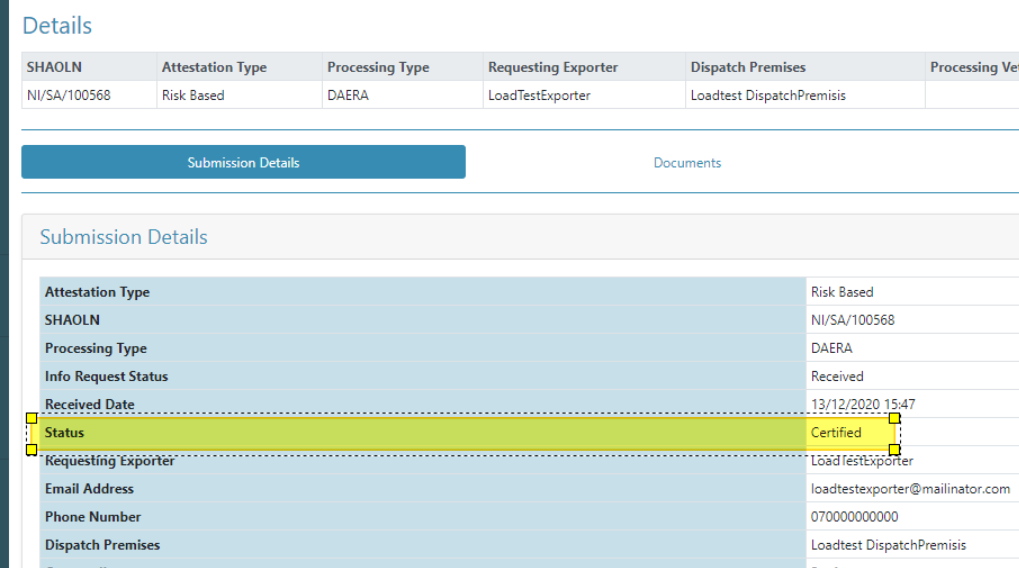
The application will also move directly into a new menu item 'Certified Applications' view.
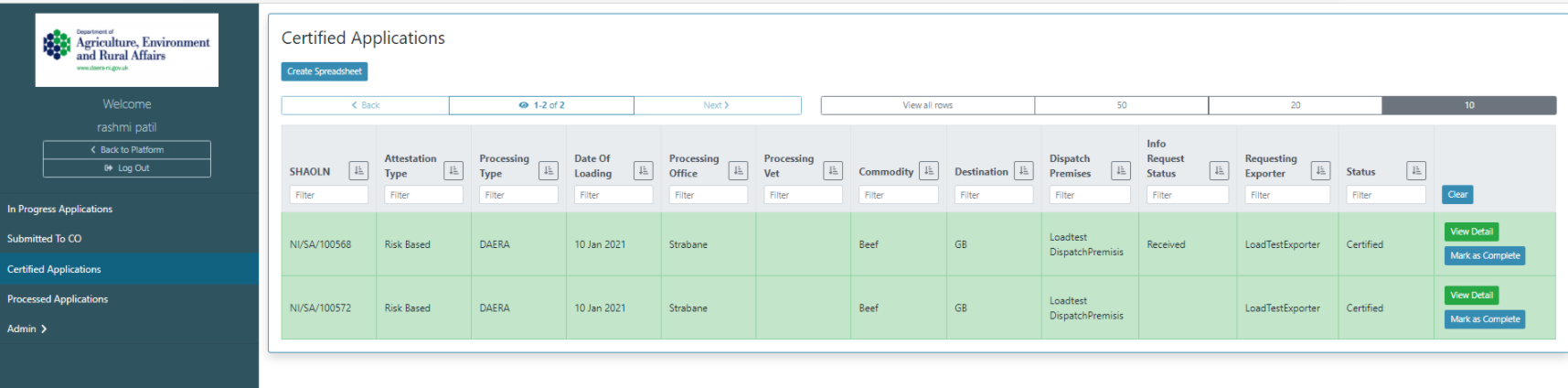
Admin - Request For Information (RFI functionality)
The RFI functionality has been added to the SHA service. This will enable CSB to request more information from exporters.
A new column has been added to the grid view labelled 'Info Request Status.'
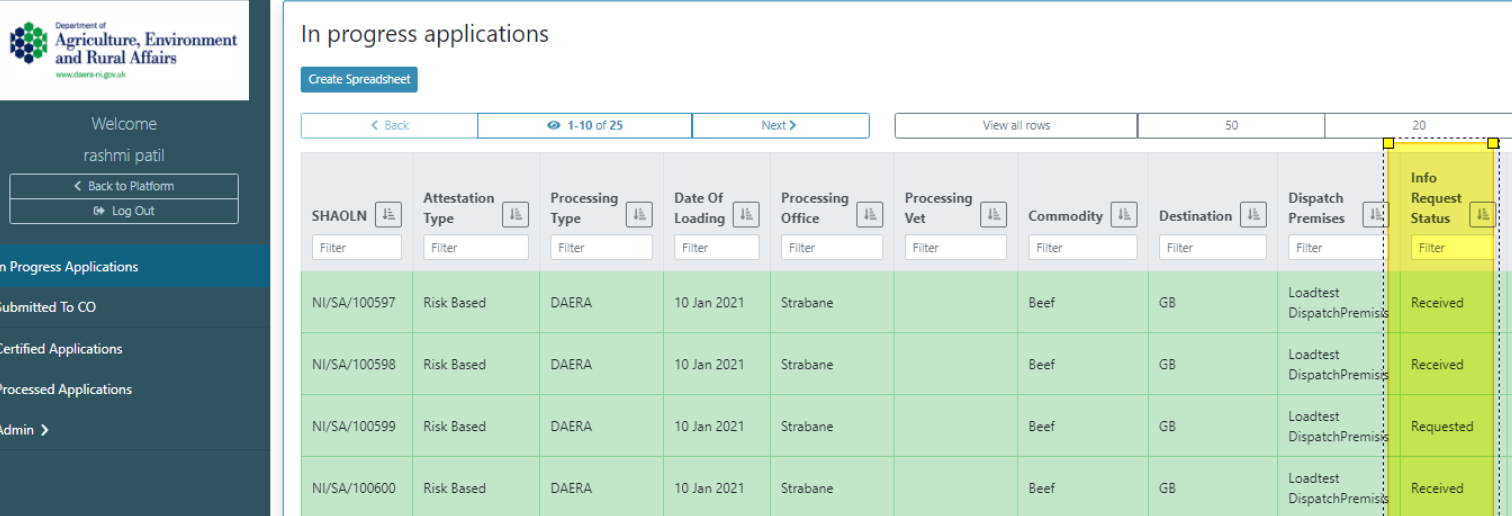
'Request Info' button added to the details view.
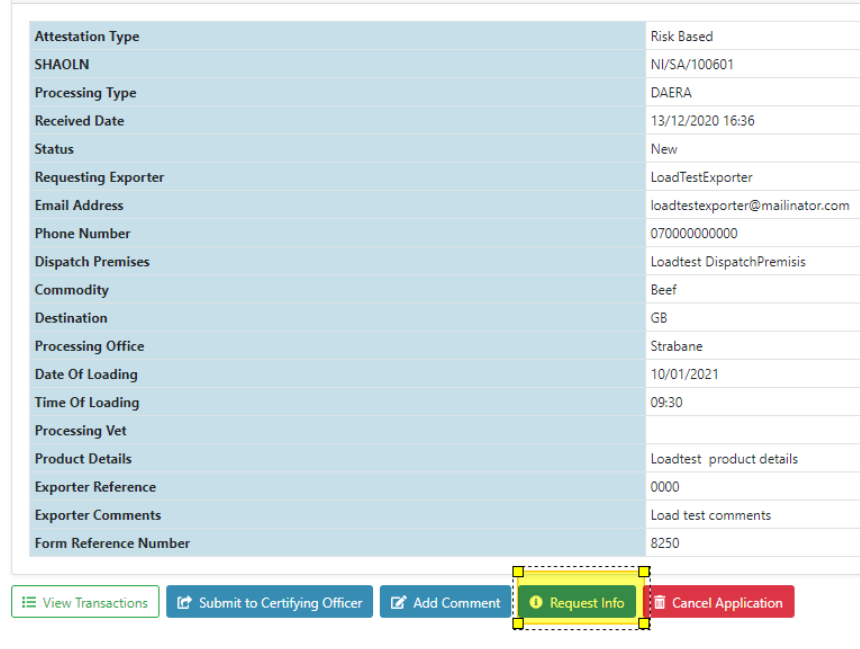
Clicking this button will launch a modal. 'Exporter' button will prefill the email address field with the exporter's email address. Complete RFI field's as necessary and click 'Send.'
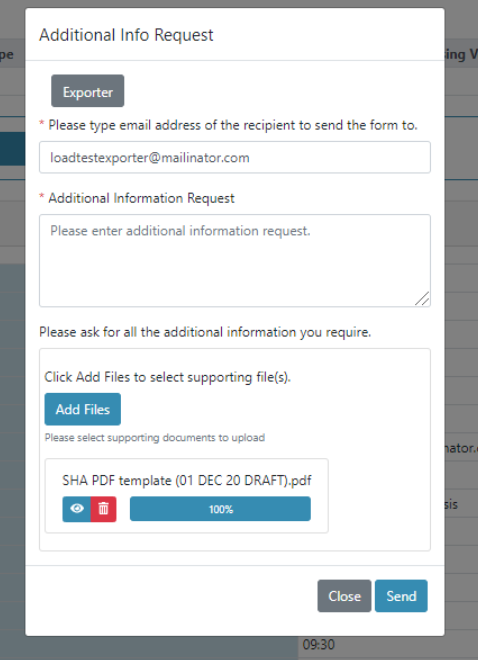
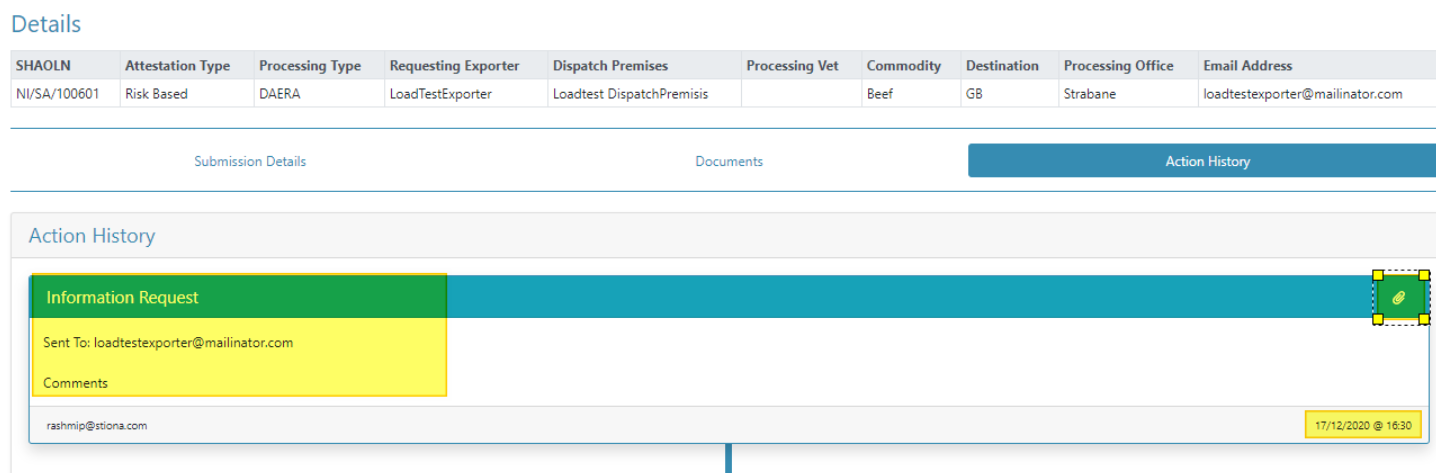
RFI will be sent to exporter via email using 'AdditionalInfoResponse' template, 'Info Request Status' will be updated to 'Requested' and RFI entry will be added to action history.
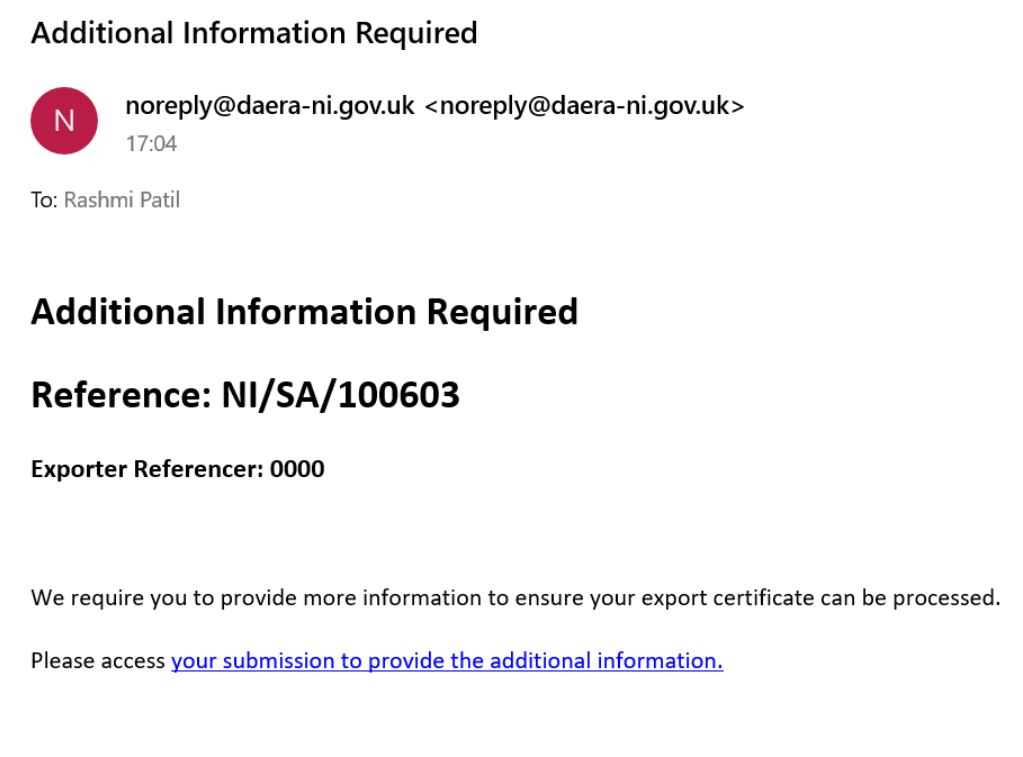
Exporter will receive submission link via email.
Clicking this link, will redirect the exporter to an RFI screen giving the user the ability to submit additional information and files to CSB as required.
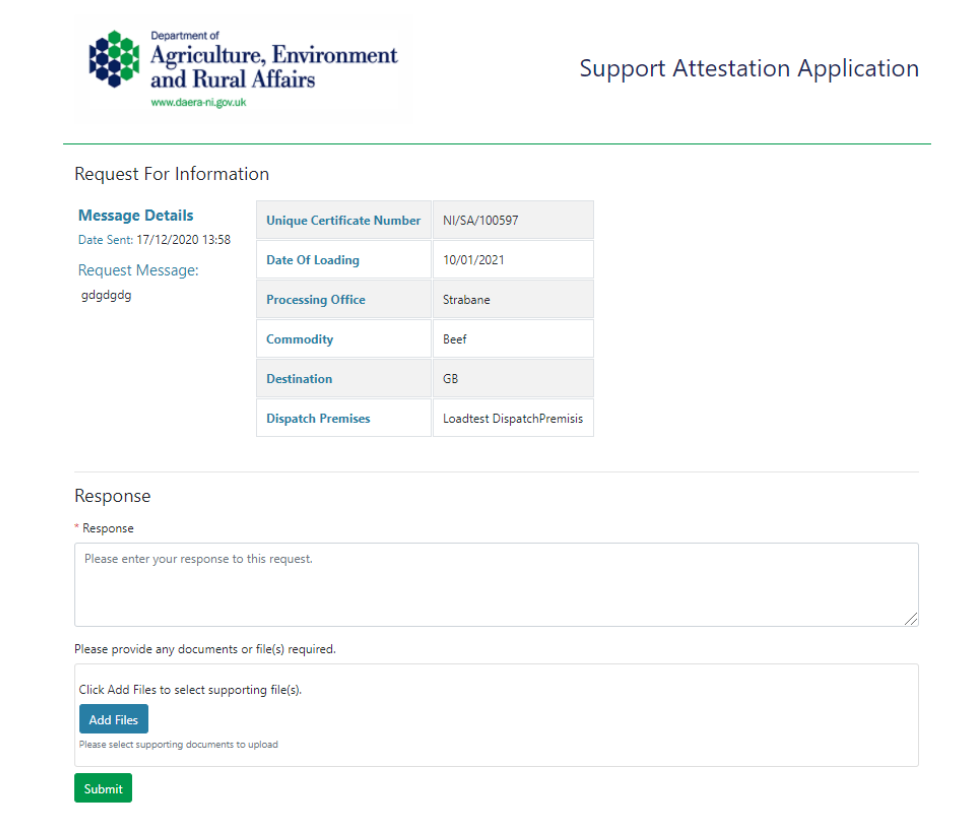
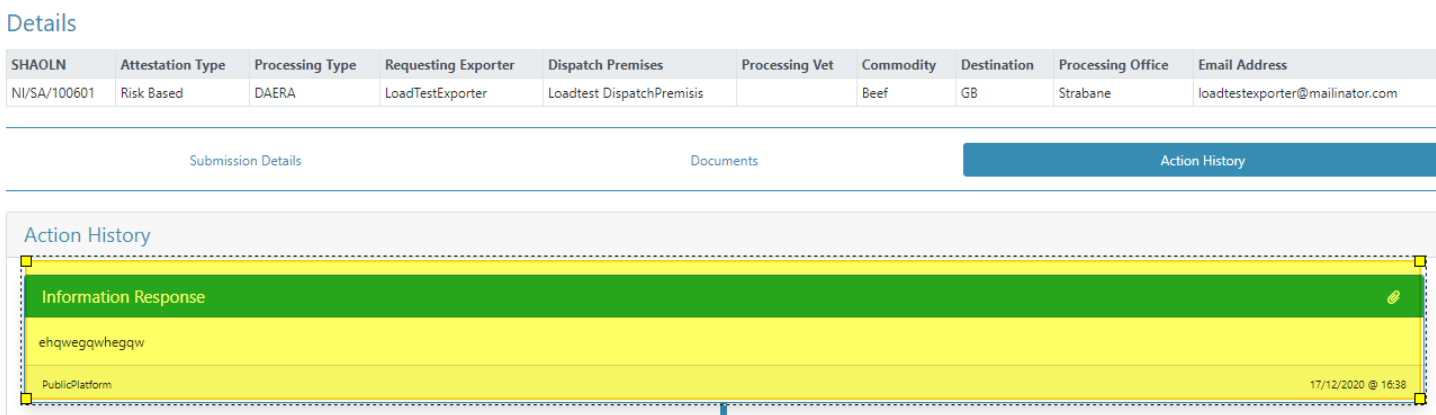
Once the exporter has submitted their response, an 'Information Response' entry will be added to the application action history in admin and 'Info Request Status' will be updated to 'Received.'
Bug Fixes
American Date Format - Freshdesk #2183/2184/2185/2186
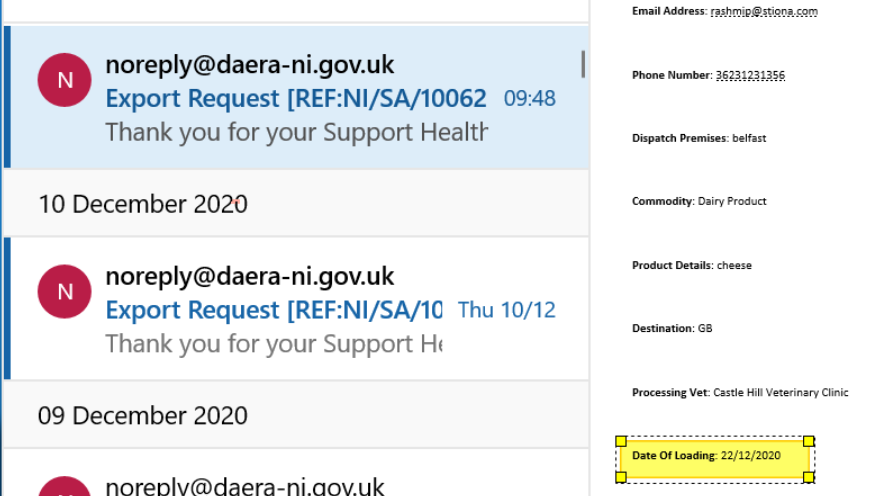
The email parameter: Date Of Loading: {DateOfLoading} is now returning the Date of Loading in the British English Format.