Release 1.1.0
New Features
Creating a New Application - Exporters Portal
Online Form
An authenticated user can now process a phyto application by clicking 'Create Application'
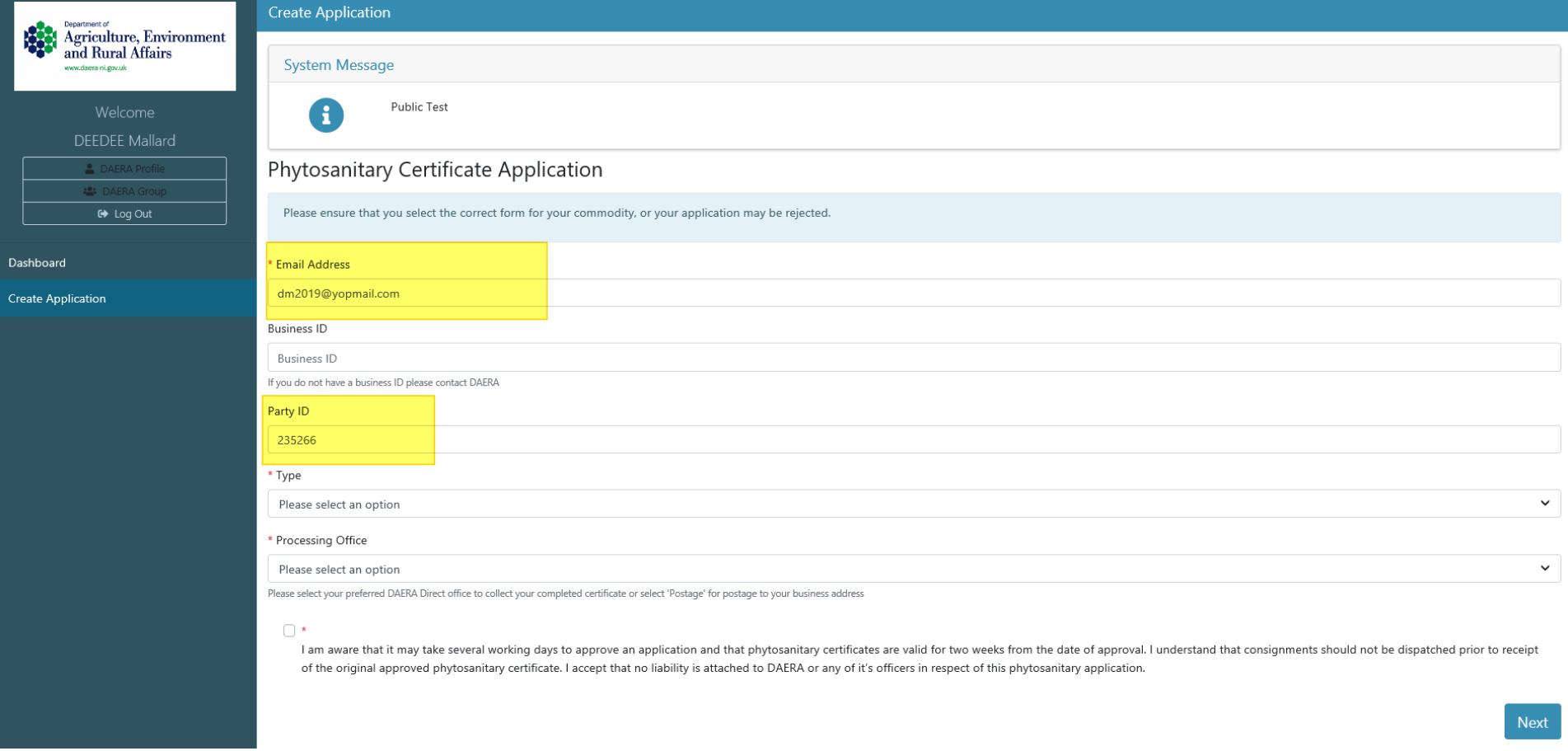
The first screen captures the phytosanitary certificate details - Email address and Party ID are pre-populated, Business ID is not a mandatory field.
Exporter details in Step 1 are retrieved from party
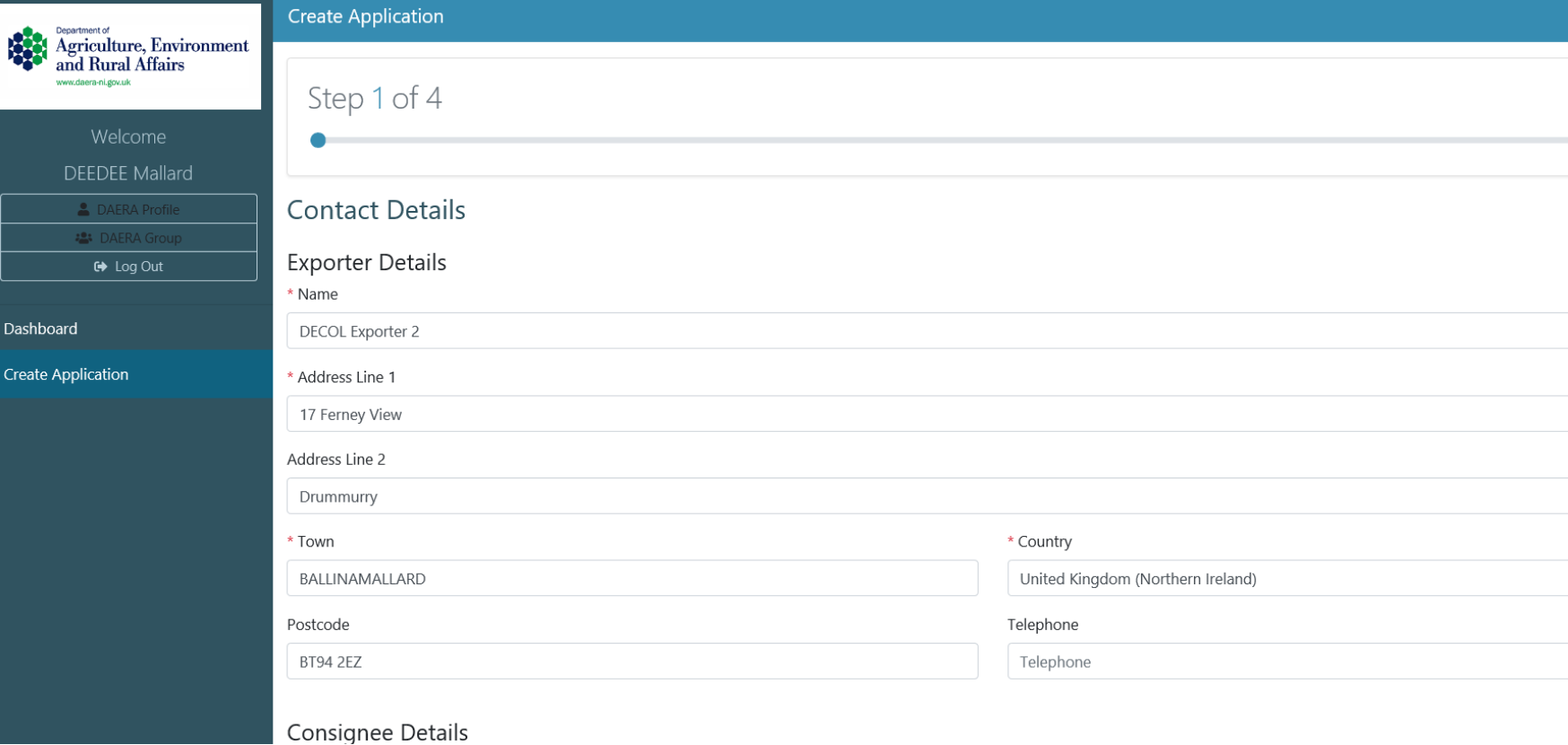
Exporter can proceed to complete application steps 2,3 and 4. Clicking 'Submit' to complete application.
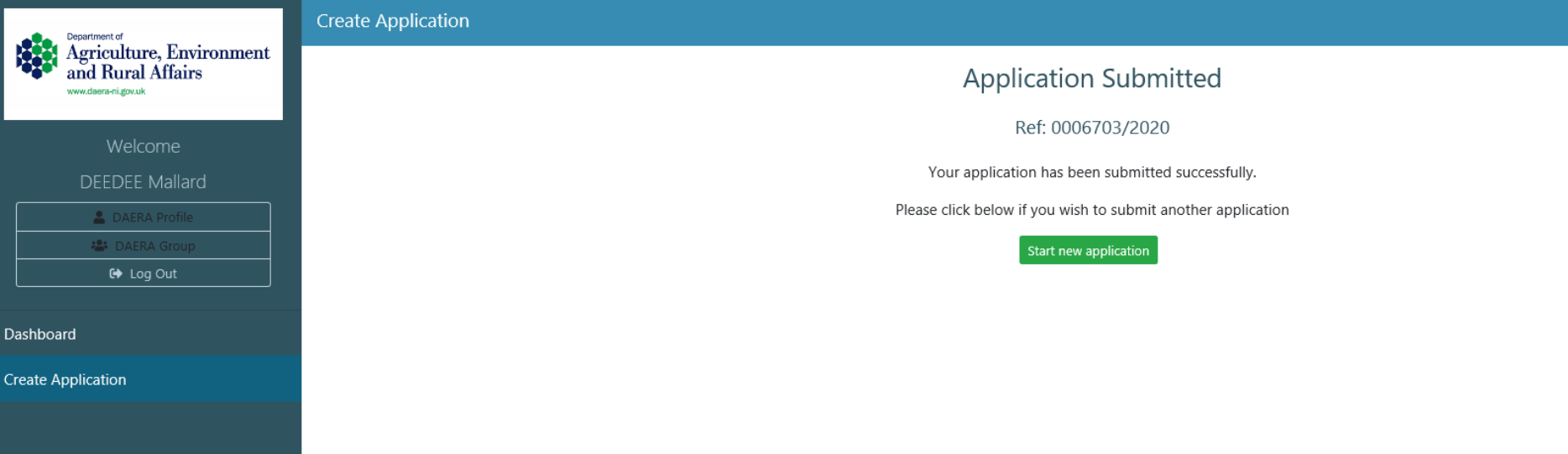
Exporter will be given a unique application reference ID.
Submission Email
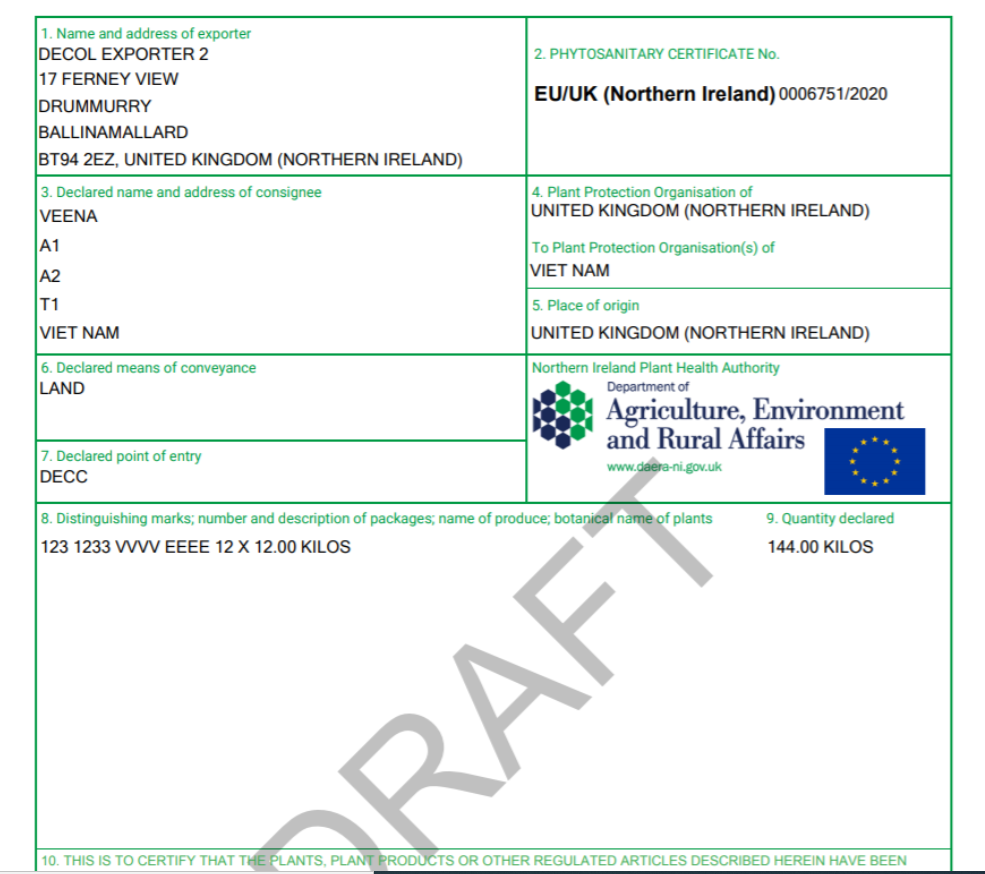
Exporter will receive a submission email containing a pdf draft of phyto certificate.
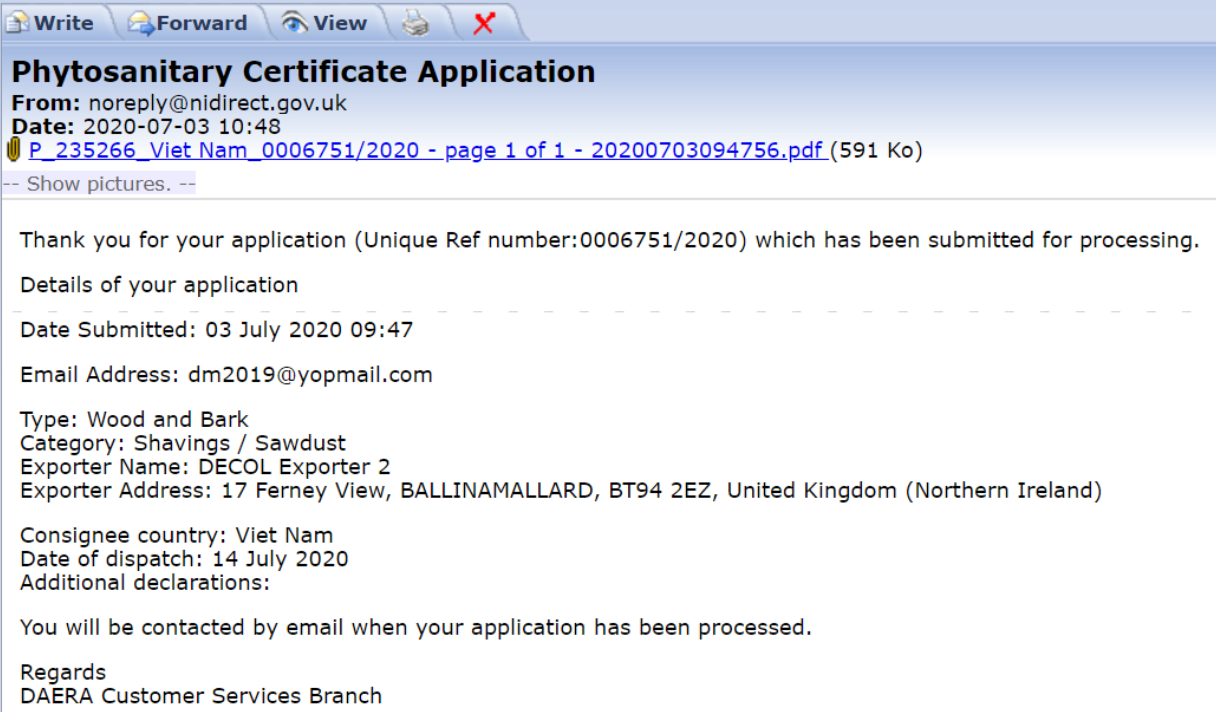
Draft PDF
Processing an Application - Admin
The created application will be presented in the admin portal
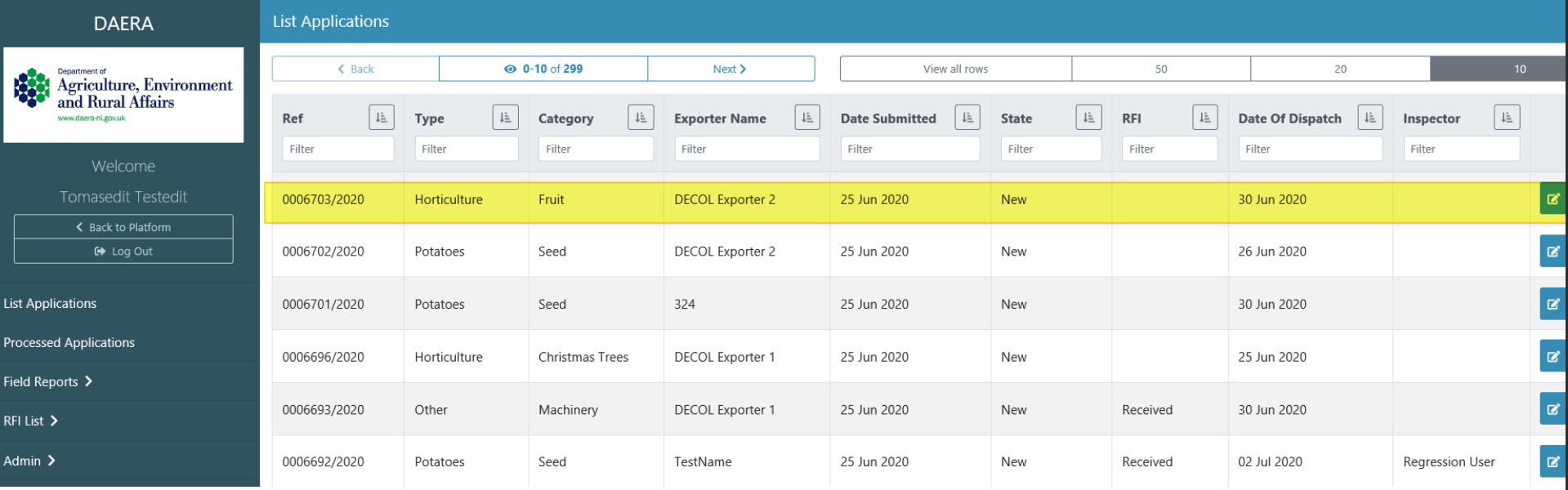
Admin can filter on the following column headings: Ref, Type, Category, Exporter Name, Date Submitted, State, RFI, Date Of Dispatch and Inspector.
Admin can enter application detail view by clicking the green edit icon button.
'Details View'
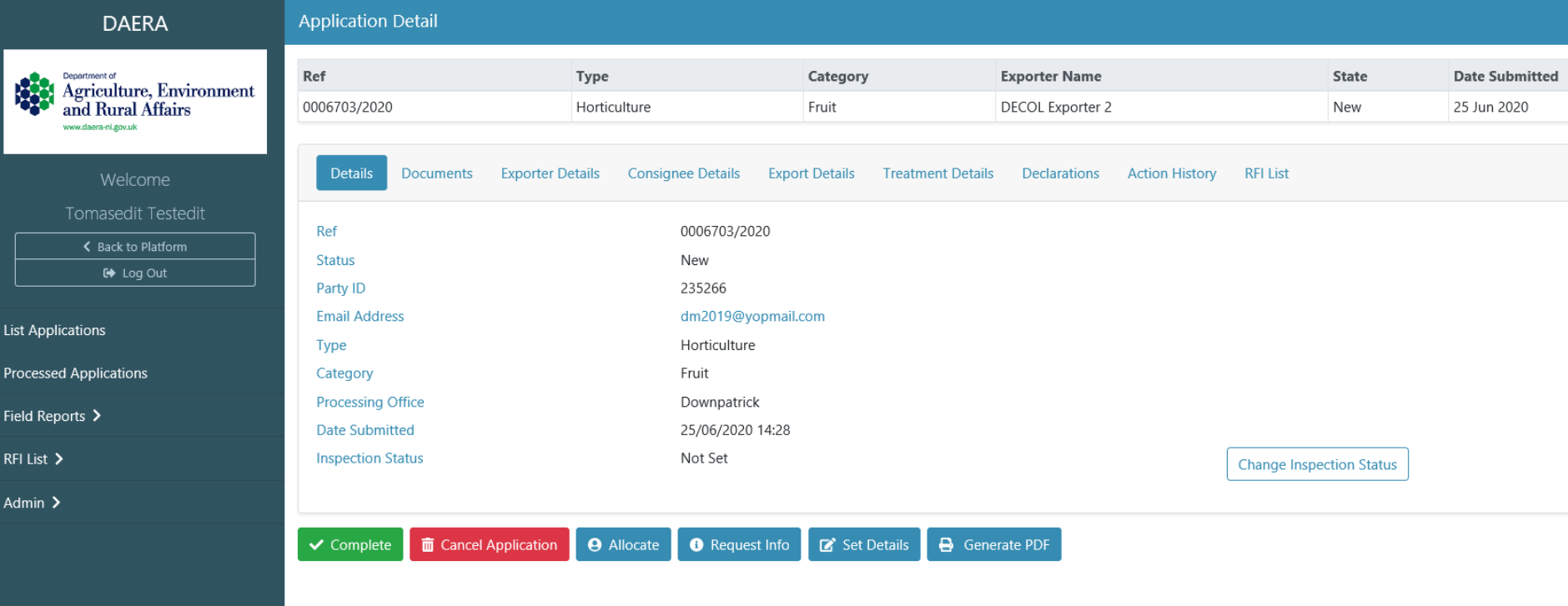
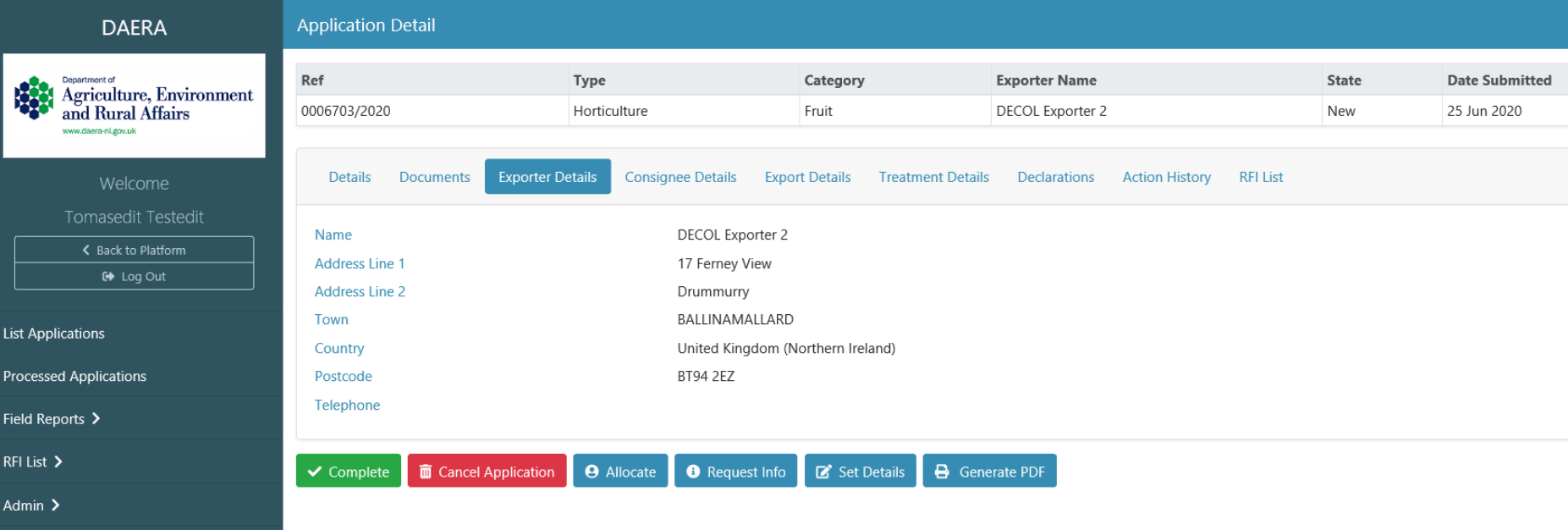
'Exporter Details View'