Release 6.9.0
Enhancement
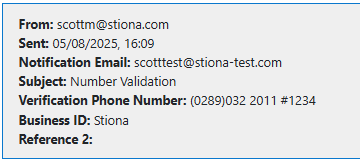
SMS Verification - Number Displayed
When a Secure message is sent using SMS verification, the telephone number used will now display in the message details in the admin view
Bugs
SMS Verification - Spaces not permitted in telephone number
The telephone number on the SMS verification messages does not currently accept spaces. This has been fixed.

If an invalid phone number is entered - an error message will still display

ITHC Remediation
This build includes remediation of identified potential vulnerability.
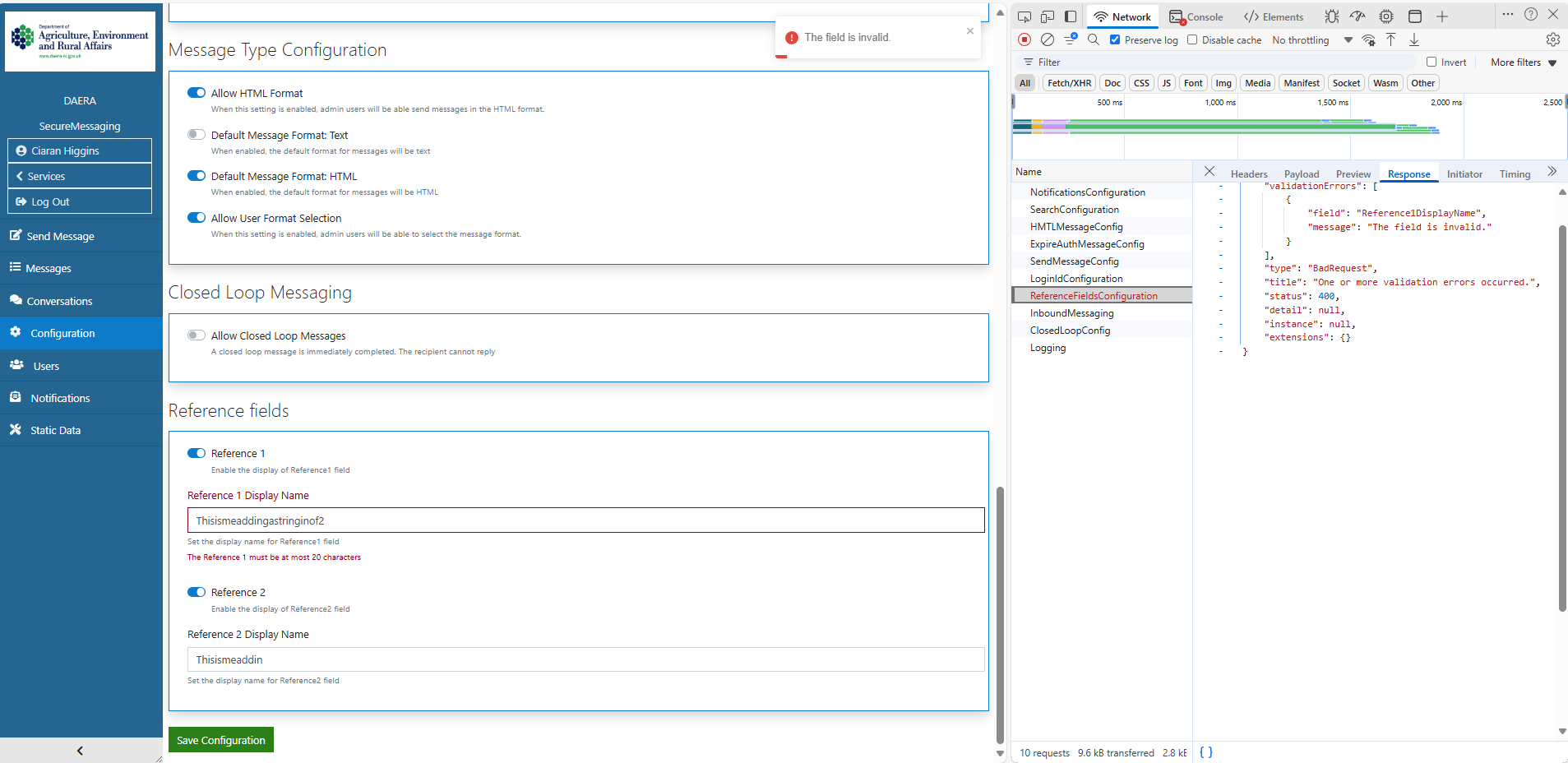
Configuration Field Max Size Validation (FD#7899)
If User enters string>20 characters in additional reference fields an error message will display.